Support operations
Customer support automation: what to automate and when to hand off
Choose which support tasks to automate, give staff enough context to take over, and measure whether customers get their issue resolved.

Start with one common request. Use your helpdesk to route tickets, answer stable questions, or prepare drafts for staff to review.
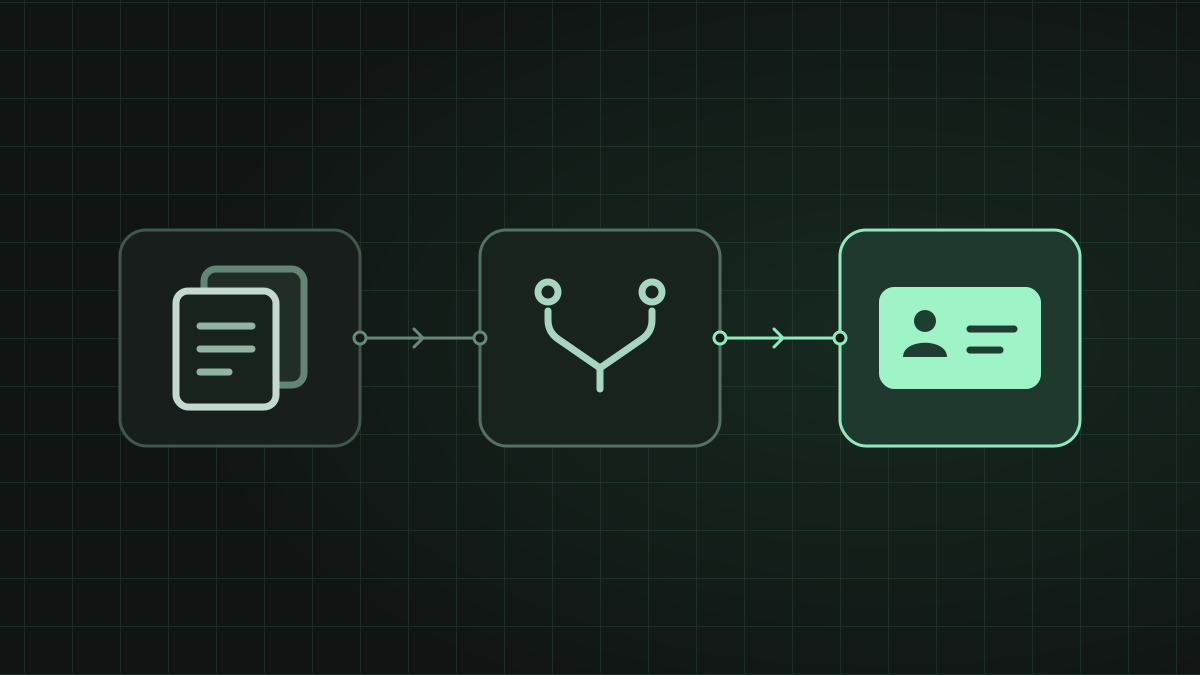
Suppose someone asks where a parcel is and adds that it went to an old address. Treat the address issue as an exception. Send the full request to support so the customer can continue from the same conversation.
Keep decisions about refunds, access and complaints with staff. Record who takes over and when the customer should hear from them.
Route three tickets in the same queue
Illustrative tickets. The team checks identity and policy before choosing how to reply.
| Ticket | Check | Expected action |
|---|---|---|
| Order status | Identity and order match | Reply with the current status |
| Order status | Identity cannot be confirmed | Request verification |
| Refund exception | Policy requires a decision | Assign to a person with context |
Find one support task to automate
Bring a common ticket and the rule your staff use. We can help define the handoff and the test for a correct result.
Discuss a support workflowChoose the smallest useful action
Sample recent tickets from one channel. Group them by the outcome customers need. Record how often each issue occurs, how long staff spend, and what a wrong answer could do.
Pick a topic with a clear answer and a reliable source. Give each help article an owner and a review date. Pause automatic replies for that topic when the source expires or becomes unavailable.
- Use fixed rules for fields such as a selected topic, a ticket age, or a confirmed account status.
- Use an AI draft when descriptions vary. Ask staff to check the facts and policy before they send it.
- Use an automatic reply for approved general information. Verify the customer's access before the reply includes account or order details.
- Route refund disputes, sensitive requests and conflicting information to a named team for a decision.
Give staff an actionable handoff
Send the original conversation, the reason for transfer, any verified references, and the checks the system made. Use the same ticket and keep its first receipt time.
Set a target for the first useful reply. Treat a receipt message separately. Tell the customer who will reply and use a timeframe your team can meet.
Assign a backup queue for unavailable teams. Give staff a pause control and a way to override an incorrect assignment. Preserve that assignment if the message arrives again.
Worked example: one delivery queue, three outcomes
In this fictional queue, staff check every delivery ticket by hand. The pilot checks whether a confirmed order has one current shipment and a routine status request.
- Ticket S41: The signed-in customer asks for a status. The order system confirms dispatch. The helpdesk sends the approved status reply and records its source.
- Ticket S42: The customer mentions an old address. The helpdesk assigns Delivery Support. The ticket includes the original message and the address concern.
- Ticket S43: The order lookup times out. The helpdesk keeps the ticket open and assigns the general queue. Staff can check the order when the system returns.
Measure resolution and staff work
Run the rules in shadow mode first. Store the proposed action while staff handle the ticket. Compare each proposal with the action staff select.
Set a follow-up window for the live trial. Count a resolution when the customer confirms it or the system verifies the requested outcome.
Track repeat contacts about the same issue across available channels during that window.
Report tickets with an unknown outcome separately. Compare the same type of ticket before and during the trial. Track sampled reply accuracy, time to first useful reply, and staff minutes on escalations.
Pause automatic replies after a privacy incident or a serious policy error. Route the tickets to staff while the support lead checks the rule.
Support automation pilot card
Fill in one request type. Replay these cases with fictional tickets and compare the actual outcome with each expected outcome.
Support automation pilot card

Channel and eligible request type:
Queue owner and backup:
Approved answer and source owner:
Required identity check and permitted data:
Source freshness limit:
First useful reply target and hours of coverage:
Follow-up window for repeat contacts:
Pause condition and person who can pause:

Record expected and actual action, queue, reply and status for each case.
[ ] Verified routine request: approved reply uses current source data.
[ ] Address concern or refund dispute: staff queue receives the full request.
[ ] Customer asks for a person: handoff preserves conversation and receipt time.
[ ] Lookup unavailable or source expired: ticket stays open in the fallback queue.
[ ] Staff move a ticket and the event repeats: staff assignment stays in place.
[ ] Different account or missing verification: reply contains zero order details.

Baseline and pilot: use the same topic, channel and follow-up window.
Eligible tickets / confirmed resolutions / repeat contacts / unknown outcomes:
Minutes to first useful reply / replies sampled / sampled replies with errors / staff review minutes:
Decision and owner: expand, retain draft mode or pause.
Download the text template
Sources
Related services and guides
Common questions
Do I need AI to automate customer support?
Use your helpdesk rules for clear categories, assignment and reminders. Try AI drafts when varied wording makes a fixed rule hard to apply.
What should happen when the customer asks for a person?
Transfer the ticket with its conversation and verification status. Give the customer a way to continue when live staff are unavailable.
Does an automatic acknowledgement meet the response target?
Check the definition in your service policy. Report acknowledgements and first useful replies separately so the team can see how long customers wait for help.
Plan a support automation pilot
Tell us what your team needs. The form helps you prepare an email to us.
Plan your support pilot