Finance operations
How to automate invoice processing from intake to approval
Capture supplier invoices, match them to purchase records and send exceptions to finance. Test drafts and retries before connecting payment systems.
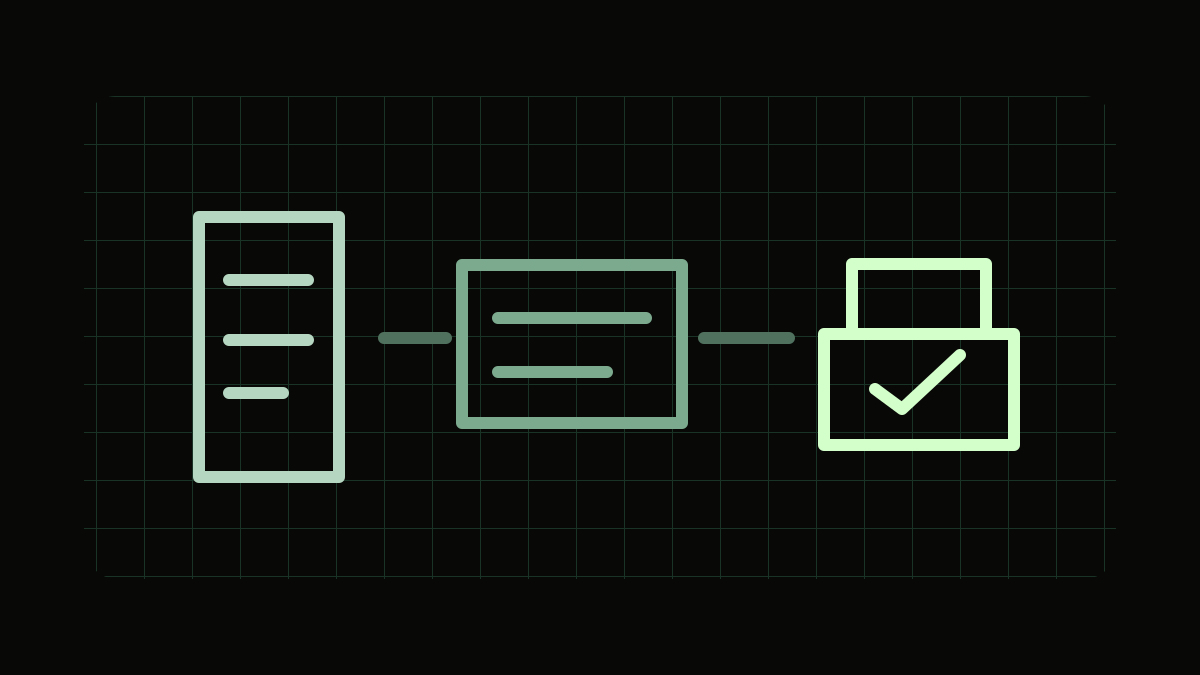
Automate invoice intake, data extraction and matching first. Send eligible invoices to the accounting system as drafts. Keep supplier bank changes and payment release with authorized finance staff.
Suppose a supplier bills for 6 units but the warehouse received 4. Capture the invoice and hold it for review. Give finance the document, the purchase order and the receipt in one place.
Check invoices before they reach the ledger
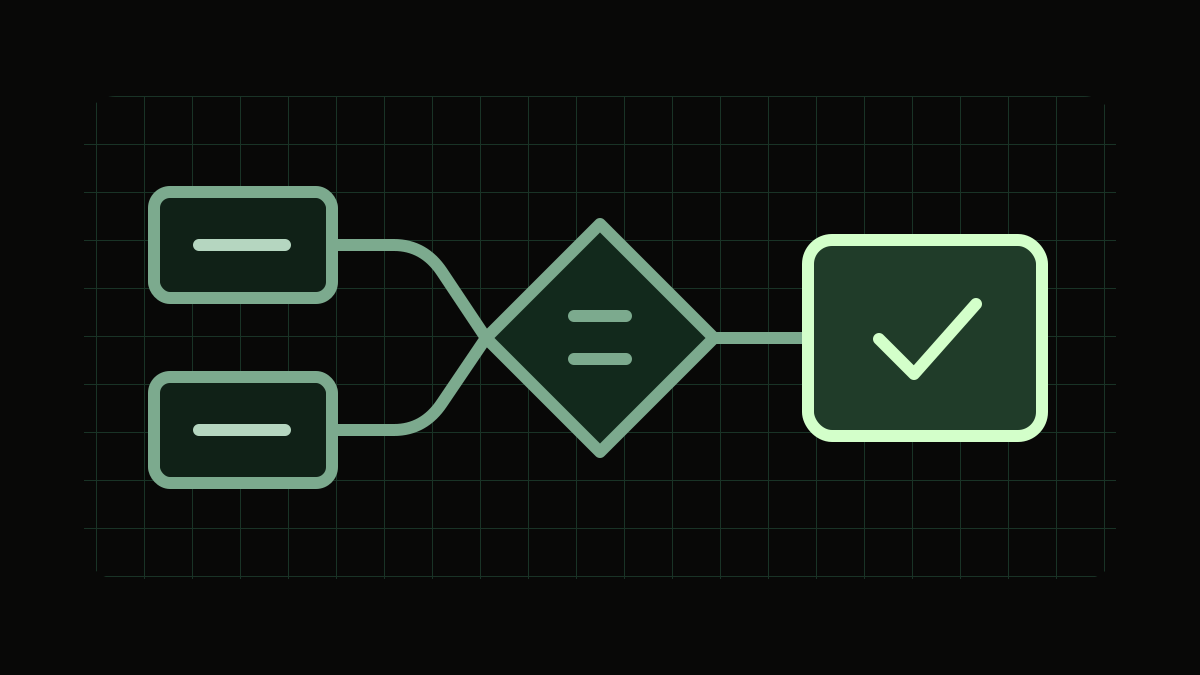
Illustrative records. The workflow can prepare a draft. Finance controls payment.
| Invoice | Check | Result |
|---|---|---|
| INV-41 | Fields and purchase order match | Prepare a draft |
| INV-41 again | Same supplier and invoice number | Keep one draft |
| INV-42 | Total differs from the order | Hold for Finance |
Define the first invoice workflow
Tell us where invoices arrive and how your team approves them. We can help scope capture, matching and exception review.
Discuss invoice intake and matchingCapture and validate one set of invoices
Choose one legal entity, one intake channel and a small group of known suppliers. Keep the original invoice and record when it arrived.
Read structured invoices directly where available. Use optical character recognition to read scans. Store each extracted field beside its source so a reviewer can confirm it.
Validate the legal entity, supplier ID, invoice number, date, currency and totals. Check line amounts and tax against the document and your finance rules.
Hold an unreadable field or an uncertain supplier match. Route credits and invoices without purchase orders through the rules finance sets for those cases.
Match records and keep approval separate
A two-way match compares the invoice with the purchase order. A three-way match also checks the goods receipt or accepted service record.
Check quantities and prices at line level when your policy requires it. Apply approved tolerances by entity and use the correct currency.
Use the legal entity, verified supplier ID and invoice number to check for a duplicate. Define how credit notes and corrected invoices affect that check.
Use a stable draft reference. Require the accounting system to enforce it during each write so simultaneous deliveries cannot create two drafts.
Keep draft creation, approval, posting and payment as separate states. Record who can advance each state.
Worked example: a partial delivery and a retry
In this fictional example, PO-19 lists 6 units at $80 before tax. Invoice INV-204 lists the same 6 units and a $480 subtotal.
The first receipt shows 4 units. The system records 2 units outstanding and holds INV-204. The receiving team checks the difference.
A second receipt confirms the remaining 2 units. The system checks that all 6 received units are unbilled and creates one draft for finance approval.
The accounting system saves the draft but the response times out. The retry uses the original reference and finds the same draft. Finance sees one draft and zero payments.
A second invoice number claims the same 6 units. The workflow checks quantities already billed or reserved by pending drafts and holds the new invoice.
Make exceptions visible and test the controls
Give each held invoice a reason, a named owner, and a due date. Link to the source, the matched records and the decision history.
Treat new bank details as a separate request. Verify changes through a known supplier contact and record approval in the supplier process. Keep the invoice integration's permissions limited to its assigned work.
Run a shadow trial against the manual process. Count capture errors, duplicate drafts, exception age, and the time from receipt to an approved draft.
Reconcile every test intake record to a draft, an exception or a duplicate record. Assign someone to check unresolved records before you expand the pilot.
Invoice processing acceptance worksheet
Define your matching rules and enter each test in a sandbox. Use fictitious invoices and check the final accounting records.
Invoice processing acceptance worksheet

Legal entity and supplier group:
Intake channel and source document location:
Required fields and approved tolerance by field:
Duplicate key and accounting draft reference:
Approval owner / bank verification owner / payment owner:
Exception owner, backup and review deadline:

For each case, record input ID, expected state, actual state, evidence and reviewer.
[ ] Clean PO and receipt match: one draft with the source attached.
[ ] Forwarded invoice: original draft ID; zero additional drafts.
[ ] Draft saved before timeout: same draft ID after retry.
[ ] Partial receipt: hold with quantity difference and a named owner.
[ ] Different invoice number claims billed or reserved units: hold without creating another draft.
[ ] Exact approved tolerance and the next increment: correct outcome for each.
[ ] Unreadable amount or wrong entity: hold for finance review.
[ ] Non-PO invoice or credit: use its own approval rules.
[ ] New bank details: supplier record and payment instructions stay unchanged.
[ ] User without approval rights: draft remains pending.

Reconcile distinct invoices to drafts and holds. Link repeat deliveries to originals.
Check draft count, approval history, posted records and payment activity.
Pass when each expected state matches and the pilot releases zero payments.
Download the text template
Sources
Related services and guides
Common questions
Can I automate invoice processing without purchase orders?
Yes. Capture the document, check the supplier and duplicates, and route the draft to the cost owner under finance's non-PO policy.
Does a high extraction confidence score mean I can approve an invoice?
Treat the score as a signal for review. Use finance rules to verify the supplier, amounts and supporting records before approval.
What if the accounting tool cannot check a unique draft reference?
Hold any uncertain write for reconciliation. Have an owner check the accounting system before the workflow tries to create the draft again.
Plan an invoice processing pilot
Tell us what your team needs. The form helps you prepare an email to us.
Plan your invoice pilot