Workflow automation
n8n vs Make vs Zapier: how each handles a CRM failure
Compare how n8n, Make and Zapier handle duplicate form submissions, CRM timeouts and failed runs. See our n8n results and what Make and Zapier document.
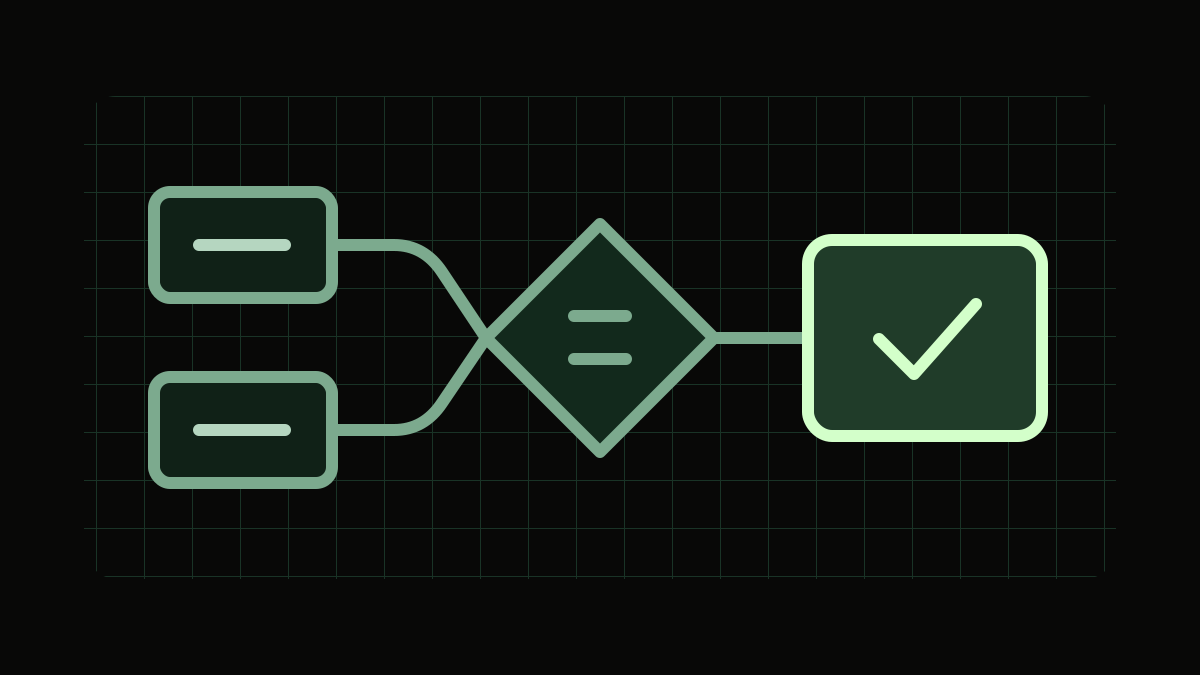
If your CRM saves a contact but the reply times out, all three tools can send the write again. The CRM needs a unique contact key so the retry finds that row rather than creating another.
The difference is where you set up retries and what you repeat after an outage. Compare a retry at the HTTP step, a recovery from history, and a repeat of the entire workflow.
We ran n8n locally with a synthetic CRM. The Make and Zapier examples apply their official recovery instructions to the same test cases.
What each tool does with the same CRM failure
We ran the n8n workflow twice with fictional data and a local test CRM. The Make and Zapier columns describe documented behavior with the settings below.
| Case | n8n: observed | Make: documented | Zapier: documented |
|---|---|---|---|
| Duplicate delivery | Both requests reached the CRM. One contact remained. | If both webhook deliveries reach the HTTP module, send the same contact key on both writes. | If both deliveries reach the action, send the same contact key on both writes. |
| 503 before saving | The HTTP node retried. The second request saved the contact. | Raise an HTTP error and route it to Retry. Make can resume at the failed module. | If the POST is marked errored, retry the failed action from Zap History or use eligible Autoreplay. |
| Timeout after saving | The second request matched the contact already saved. | If Make retries the HTTP module, the same key lets the CRM match the saved contact. | If Zapier retries the POST action, the same key lets the CRM match the saved contact. |
| Outage persists | Three attempts failed. Resubmitting after recovery saved the contact in a new run. | Find the stored incomplete execution. Retry the failed module after recovery. | Find the errored run in Zap History. Replay the failed action after recovery. Full replay starts a separate run. |
Build the workflow in your preferred tool
We build workflows in n8n, Make, Zapier or another tool you prefer. Tell us what starts the work and what should happen next. We check what your tools support and agree the scope with you.
Tell us what you want to automateSet up and recover the same workflow in each tool
n8n: retry the HTTP node
Connect a Webhook node to an HTTP Request node. We used self-hosted n8n 2.32.5 with a one-second wait and a 1.2-second request timeout. Both test rounds produced the same outcomes: 11 CRM requests, four contact rows and one failed workflow run that we recovered. The node allowed up to three write attempts per run.
The repeated event reached the CRM again. A temporary 503 and a timeout after saving each took two requests. The longer outage used all three attempts. The execution history kept the error. After recovery, we sent the original event again and saw a new successful run. We did not test the Retry button in the history.
Make: resume the failed module
Connect a Custom webhook to HTTP: Make a request. Turn on Return error if HTTP request fails so a 503 raises an error. Enable Store incomplete executions and attach a Retry handler to the HTTP module. Configure automatic completion and the retry interval if your scenario should recover on its own.
With this setup, Make can hold the failed bundle and resume at the HTTP module. If a request times out after the CRM saves it, the resumed write needs the same contact key. After a longer outage, inspect Incomplete executions and retry the saved run once the CRM is healthy. A full scenario replay starts from saved trigger data and may repeat earlier work.
Zapier: replay the errored action
Use a plan that includes Webhooks by Zapier, such as Professional. Connect a Catch Hook to a POST action. Map the same event ID and contact key. If the CRM write appears as an errored action, select it in Zap History and replay the failed step. The successful steps do not run again in a failed-step replay.
On a plan with Autoreplay, eligible failures retry on Zapier's own schedule. The first retry normally starts after about five minutes, so do not assume the one-second wait from our n8n test. After a longer outage, inspect the failed action before replaying it. A full replay uses saved trigger data and can run earlier successful actions again.
Apply the same CRM write contract
Use the form event ID to track deliveries. Trim and lowercase the fictional email to form the CRM contact key. A second event ID can belong to the same contact.
Require the CRM to enforce the unique key during the write. A search followed by a separate create can race when two deliveries arrive together.
Keep a recoverable record until the CRM confirms the write. Use the original IDs for every retry. Keep notifications outside the retried write or give them separate duplicate protection.
Replay the same events during a simulated outage
Start with an empty test CRM for each platform. Use a fake CRM or work through the test card on paper. The manual exercise checks the logic only.
Send E1 twice. Then send E2 with the same email and a different event ID. Expect one contact and two completed event IDs.
Return a 503 before the E3 write. Restore the CRM before its second attempt. For E4, save the contact and withhold the response. Replay E4 with the same key.
Keep E5 unavailable until automatic retries stop. Use three total attempts for the local n8n setup and record each cloud tool's configured policy. Have a named owner recover the original event after service returns.
- Count CRM rows after each case and check the final status for every event.
- Record every write attempt and billable unit. Keep initial failures and replay results in the same log.
- Reset the test data. Send E1 and E2 at the same time. Check that both complete and the CRM holds one row for the contact.
Choose based on who handles a failure
Start with n8n if the team wants to set the delay on the HTTP node and can maintain the instance when self-hosting. Start with Make if the team wants a queue of incomplete items and a recovery route on the module itself. Start with Zapier if the workflow is linear and the operator already works from Zap History. These are setup choices, not a speed ranking.
If an earlier action already sent an email, a full replay can send another. Use failed-step recovery when available. Give the email its own duplicate protection if a full replay is part of your recovery plan.
Compare actual usage on your plan. Make usually uses one credit per operation for ordinary modules. Zapier generally counts successful actions as tasks. Include hosting and maintenance when you compare a self-hosted n8n setup. We did not measure billing or compare cloud latency.
Name the operator who can see failed runs and who controls the connection. Give them the test card and have them recover one failed event before launch.
CRM workflow comparison card
Copy the fictional inputs into your test setup. Record the actual result for each platform in the same order.
CRM workflow comparison | Illustrative test card

Use a sandbox or work through the table on paper. Never use a live CRM or real contact data.
Start with an empty CRM and an empty run log for each platform.
Use a CRM upsert (create or update) with a unique contact key.
Normalize email with trim and lowercase. Use the event ID for delivery tracking.
Record success only after the CRM confirms the write. Use the same IDs on retry.

Checkpoint | Input | Fault | Expected destination state
1 | E1, " SAM@example.invalid " | None | 1 row: sam@example.invalid
2 | E1, " SAM@example.invalid " | Deliver again | 1 row; E1 stays complete
3 | E2, "sam@example.invalid" | None | 1 row; E2 completes
4 | E3, "lee@example.invalid" | 503 before write | 1 row; E3 remains unresolved
5 | Same E3 after recovery | None | 2 rows; E3 completes
6 | E4, "kim@example.invalid" | Write succeeds; response times out | 3 rows; E4 remains unresolved
7 | Same E4 | None | 3 rows; E4 completes
8 | E5, "pat@example.invalid" | 503 on every attempt | 3 rows; E5 goes to a named owner

Rows 4 to 7 describe consecutive requests, not separate workflow runs.
Set up to three total write attempts per run for n8n. Record the retry policy for Make or Zapier.
Restore the CRM before the second E3 request. Retry E4 with the same key.
E3 and E4 may each recover within one run. Record the final result separately from the first request.
After automatic recovery stops for E5, restore the CRM. Recover the event once with the original IDs. Expect 4 rows and a completed E5.
Reset the CRM and log for the concurrency check.
Send E1 and E2 at the same time. Both events must reach the write with the same contact key.
Expect one CRM row for Sam and two completed event IDs.

Platform | Plan/version | Test case | CRM rows | Write attempts | Final event status
n8n      |              |           |          |                |
Make     |              |           |          |                |
Zapier   |              |           |          |                |

Record retry or replay mode, billable units, time to recover and minutes of human work.
Record the alert recipient and the location of the failed event payload.
Pass when expected state matches every case and the owner can recover E5 safely.
Treat these rows as expected results. Record observed results in a separate column.
Download the text template
Sources
- n8n: Error handling
- n8n: Node settings
- n8n: Review and retry executions
- Make: HTTP module
- Make: Configure the Retry handler
- Make: Manage incomplete executions
- Make: Credit usage
- Zapier: Send webhooks
- Zapier: Task usage
- Make: Scenario run replay
- Zapier: Replay rules
- Zapier: Custom error handling
- Zapier: Duplicate handling
Related services and guides
Common questions
Does trigger deduplication prevent duplicate contacts?
A trigger can suppress a repeated delivery. The CRM still needs a unique contact key because two different events can refer to the same contact.
Can I compare the tools without a live CRM?
Yes. Apply the event sequence to a fake CRM or walk through it on paper. Use an authorized test environment to measure platform behavior and usage.
Put your workflow into practice
Tell us what your team needs. The form helps you prepare an email to us.
Discuss your workflow